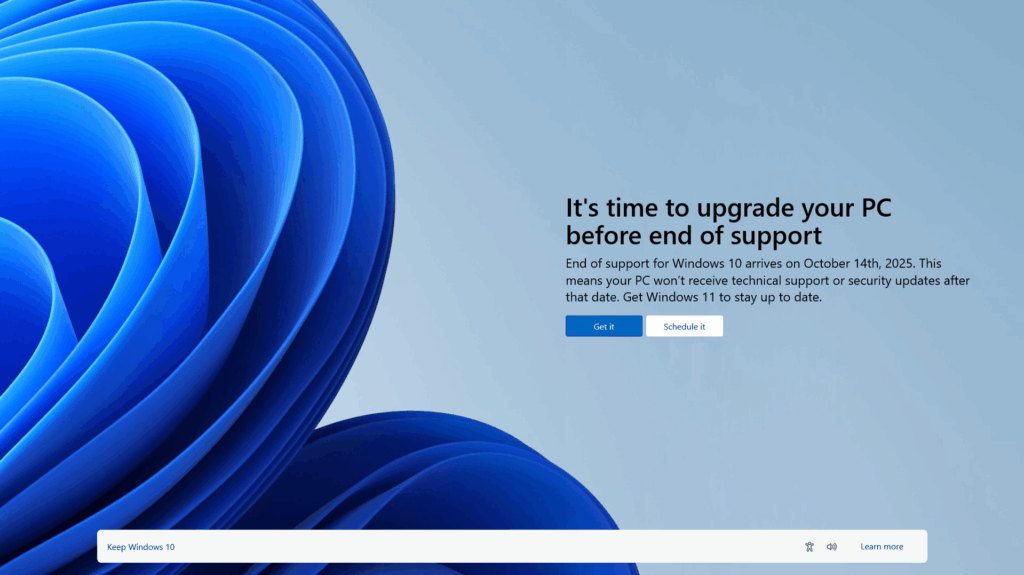
What Happens After Windows 10 Support Ends?
Once Microsoft ends support for Windows 10, businesses still using it will face risks and issues, including:
- Increased Security Risks: Without regular security updates and patches, you are at risk for more cyberattacks. In October, when Windows 10 reaches its end of life, Microsoft will no longer provide security patches and updates to Windows 10 machines, putting you and your company at greater risk of a cyberattack.
- Compliance: Increased industry regulations and compliance requirements require you to upgrade your OS, or you may face fines. By not updating your end-of-life Windows 10 operating system, you may not meet your regulatory requirements, putting your risk of non-compliance.
- Performance Dips: Windows 10 machines will have trouble running the more powerful Windows 11. Keeping Windows 10 machines to save money will cost you more in lost productivity and downtime.
- No More Technical Support: Microsoft ends support of Windows 10 in October. If you do have an issue with Windows 10, you will not be able to reach out to Microsoft for support to resolve the issue.
Tariff increases are predicted to increase workstation and software licensing prices by as much as 25% in the next six months. Most or all of your Windows 10 machines will not successfully run the more robust and powerful operating system of Windows 11. The time to plan, budget, procure, and execute your Windows 10 upgrade is now. Don’t risk downtime, lost productivity, and lost revenue. Plan your upgrade today.
Tips to Reduce Upgrade Risks
To greatly reduce the risks of the upgrade to Windows 11, businesses should start planning their upgrade now. Perform an assessment of your current machines to ensure compatibility, create a detailed upgrade plan, and allocate the necessary resources. Engage with Microsoft experts like Sure Systems to ensure a smooth transition. Here are some steps to consider:
- Initial Assessment: Evaluate your existing systems and check hardware and software compatibility with Windows 11. We have a tool that can do this for you.
- Planning: Develop a detailed upgrade plan, including timelines and resource allocation.
- Implementation: Establish the required security controls and provide employees with training on the new features of Windows 11 to ensure they are fully prepared.
- Continuous Monitoring: Regularly review and update security measures to address current cyber threats and ensure ongoing compliance.

Benefits of Lenovo Devices for Windows 11
Lenovo devices offer several advantages that make them an excellent choice for upgrading to Windows 11:
- Reliability: Lenovo devices are built to last, with high-quality components that ensure durability and performance.
- Advanced Security Features: Lenovo devices come equipped with TPM 2.0 and Secure Boot, providing enhanced hardware security and protection against malware.
- Superior Performance: Lenovo devices are fast and efficient, supporting the latest software and hardware for optimal productivity.
- User-Friendly Design: Lenovo devices are designed with ergonomics in mind, offering comfortable and intuitive interfaces that enhance the user experience.
By choosing Lenovo devices for your Windows 11 upgrade, you can ensure that your business benefits from reliable performance, advanced security, and a user-friendly experience.
PC Prices Rising! Act now
Recent Tariff increases are already increasing prices on PCs and prices are predicted to go up by as much as 20-40% in the next 3-6 months. If you are planning an upgrade, you should act now.
If you need help, please email us at [email protected]