
A Short and Sweet Overview
Do you get tired of reading or hearing about IT security terms that are thrown around by your friends, family, or even your IT Provider? This is Part 1 of a series that breaks down these annoying buzzwords and acronyms and translates into an easy to understand lesson that you can understand – in the time it takes to:
- Listen to 1/3 of Bohemian Rhapsody
- Wait for your Keurig to brew a coffee
- Reboot your computer (if it takes longer than that, let’s talk)
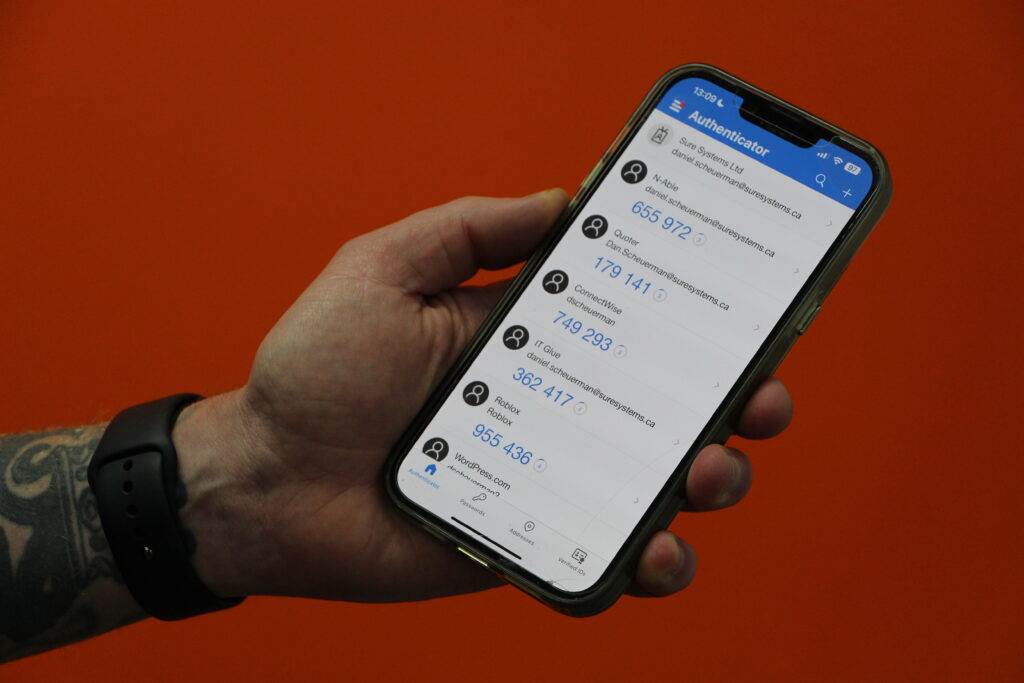
MFA aka Multifactor Authentication (also called 2FA – Two Factor Authentication) is a way to lockdown your login accounts for pretty much any service you’ve got online by requiring:
“Something you KNOW, Something you, HAVE, and Something you ARE”
This can be a password (something you KNOW), a text message or notification on your personal cellphone (something you HAVE), or even your fingerprint/face (something you ARE). It’s recommended to have at minimum two of these three FACTORS (Hence the “multifactor” in “multifactor authentication” – see what I did there?)
Finally, a metaphor. Pretend your front door is access to your house and your child is inside and the door is locked because you had to go pickup your Starbucks order from Door Dash (and they messed up your order again).
- You knock 3 times quick then knock twice (something you and your kid KNOW means it’s you)
- You say “Let me in please, it’s *##ing cold out here” (you HAVE a distinctive voice, your kid recognizes it)
- Finally your teen gets to the door, cracks it open, and sees it’s you (Something you ARE)
- Ideally your kid lets you in after they’ve verified these three FACTORS
Multifactor Authentication is the same thing for your access to your accounts.
If just one factor (something you HAVE) like a password – or a knock sequence is good enough for the door to open, then bad actors can in theory copy that easily and gain access.
For example, someone watching the special knock could then replicate it at the door a different time you are away from home and your kid is manning the house. BUTTTTT if they require one other factor, it dramatically increases security.
The same is true for your online accounts. Don’t let ONE factor allow anyone into your accounts (or your house).
Now get back to your coffee, rebooted computer, or the rest of Bohemian Rhapsody!
Got any book recommendations?