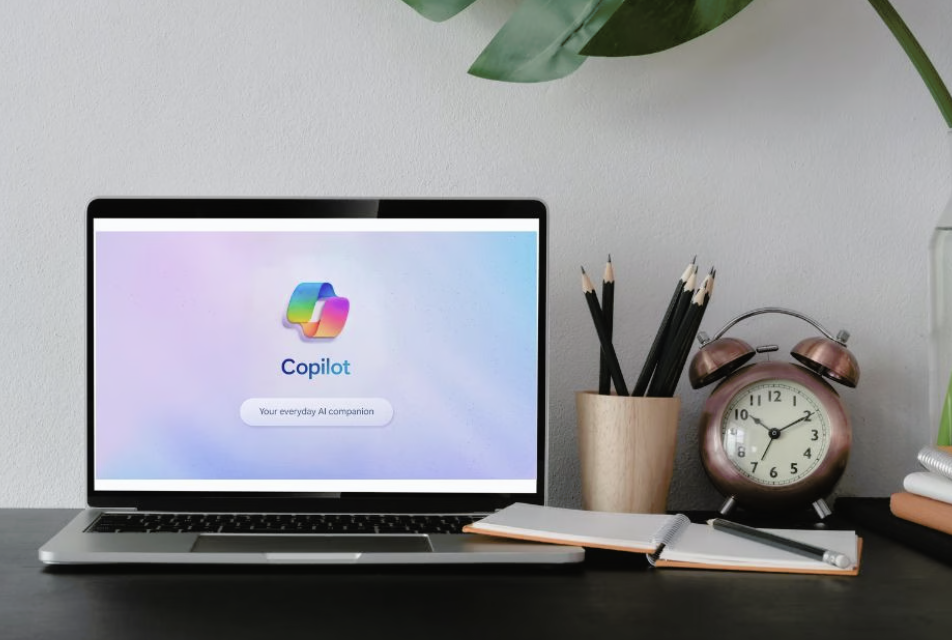
AI is revolutionizing how businesses get work done, making them faster, more productive, and more efficient while helping them find new opportunities. To stay competitive in today’s market, your business needs to start implementing AI and have a clear plan to do it right.
That’s where Microsoft Copilot comes in.
Copilot is built to help your business harness the power of AI directly with the tools you use every day. But to take full advantage of it, your business needs to be AI-ready and have a strategy to get started.
So, how can Microsoft Copilot help you run your business at its best? And what does being “AI Ready” mean? This guide breaks down what you need to know to get started with Copilot and how to be AI-ready so you can harness AI to run your best.
What Is Microsoft Copilot?
Microsoft Copilot is your built-in AI assistant across Microsoft 365, designed to help your team get more done with less effort.
There’s no new software to learn or a steep learning curve. Just smarter, faster work inside the tools your business is already using.
Copilot integrates directly into apps like Word, Excel, Outlook, Teams, and PowerPoint, letting your team easily harness AI in their everyday work. Whether it’s writing, organizing, analyzing, or presenting, Copilot makes everyday tasks simpler and smarter.
Here’s how your team can use Copilot:
- Draft and summarize emails in Outlook
- Create and polish documents in Word
- Analyze data and generate charts in Excel
- Capture meeting notes and action items in Teams
- Build compelling presentations in PowerPoint
With Copilot, your team can spend less time on repetitive work and more time on driving results, serving customers, and growing the business.
How Copilot can Transform your Business
Unlike standalone AI tools, Microsoft Copilot works in the tools your team is already using.
What does this mean for your Business?
- Fewer manual tasks, so you can focus on higher-value work
- Smarter decisions are giving you key data insights in seconds
- Better collaboration to keep your team on the same page
- Next-level productivity so you can cut through the complexity
To unlock Copilot’s full potential, your business needs to be AI-ready, with updated systems, secure data practices, and the right training in place.
Your AI Readiness Checklist
Copilot isn’t just a program you can plug and play. Here’s what your business needs to do to get started and have it run securely and effectively.
1. Have the Right Licenses
You’ll need Microsoft 365 E3 or E5, plus Copilot licenses.
2. Upgrade to Windows 11
Microsoft is ending support for Windows 10 on October 14, 2025. Without upgrades, your business could be exposed to security risks, compliance problems, and lost productivity. Windows 11 is required for full Copilot functionality and unlocks the latest in AI, security, and performance.
3. Strengthen Your Data Governance
AI depends on your data. That means organizing, securing, and cleaning up your files so Copilot doesn’t surface outdated or sensitive content. A proper data assessment is step one.
4. Modernize Your Cloud Tools
Ensure Teams, SharePoint, and OneDrive are optimized for collaboration and secure content sharing.
5. Train Your Team
AI is only as effective as the people using it. Provide hands-on training to help your team learn not just how to use Copilot, but how to use it wisely, securely, and productively
Let’s Start Your Copilot Journey!
A successful Copilot rollout is a process. Here are the steps to make it easy.
- Schedule an AI Readiness Assessment
Get expert insight into your current systems, risks, and opportunities.
- Prioritize Upgrades
Make a plan to migrate to Windows 11 and replace aging hardware where needed.
- Clean Up Your Data
Review and organize your digital files and permissions.
- Plan a Pilot Launch
Choose a few departments to start using Copilot and measure impact.
- Expand and Optimize
Roll out Copilot organization-wide with a focus on continuous improvement and adoption support.
Copilot is the Future of work. How Ready Are You?
Microsoft Copilot isn’t just a fancy new tool to boost your productivity. It’s how you build an AI-powered workplace so your team can run their best and stay ahead in a competitive market.
But to use it, you need to be ready and have a plan.
Sure Systems is helping make it easy for businesses to run their best in the AI world. We guide you through every step of the way. From assessing your readiness and data governance, you can be ready and more competitive.
How AI-Ready Are You?
Don’t wait for Windows 10 support to end. Get the edge you need in today’s fast, competitive workforce.
Book your free AI Readiness Assessment with Sure Systems and take the first step toward a smarter, more secure, and more productive workplace. We’ll help you:
- Make the move to Windows 11 and modern devices
- Optimize your data and cloud tools for Copilot
- Train your team for AI-powered productivity
Schedule a free consultation and we’ll provide a free assessment!