
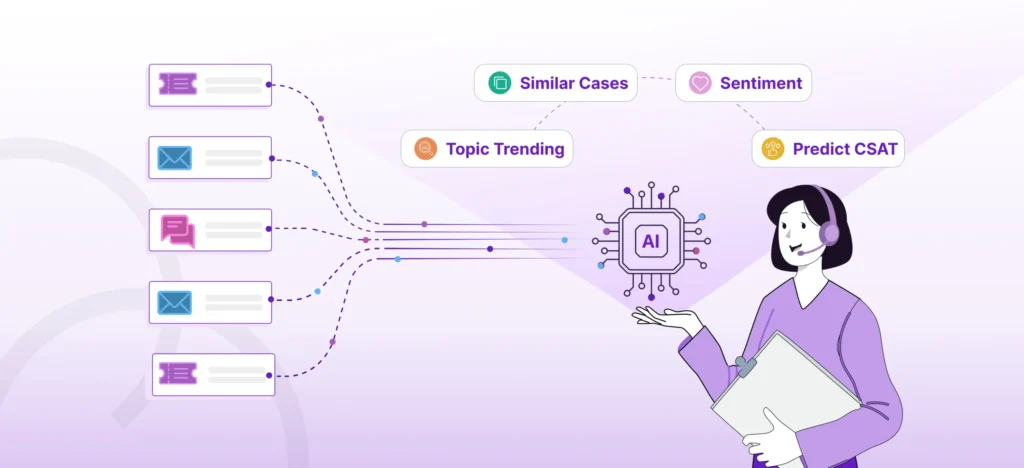
Artificial intelligence isn’t just for Fortune 500 companies anymore. Today, small and midsized businesses are embracing powerful AI tools like Microsoft Copilot to streamline operations, reduce busywork, and uncover valuable insights from their data.
The next step in this evolution is Copilot AI Agents, digital assistants that don’t just respond to questions but can carry out tasks on your behalf.
For small businesses, this means leveling the playing field with much larger competitors. From drafting proposals and summarizing meetings to managing customer follow-ups, Copilot agents free your team to focus on what matters most: growing the business and serving your customers, while the AI quietly handles repetitive, low-value tasks in the background.
What Are Copilot AI Agents?
At their core, Copilot agents are specialized assistants that integrate directly with your Microsoft 365 apps, Word, Excel, Outlook, Teams, PowerPoint, and more. Instead of waiting for you to prompt them every time, they can be designed to anticipate needs and automate workflows.
Think of them as a digital coworker who can:
- Summarize project updates and share them with your team
- Draft follow-up emails after client meetings
- Pull sales or financial data into a report in seconds
- Handle routine onboarding steps for new employees
These agents are built on the same AI foundation as Microsoft Copilot, but with a sharper focus: they don’t just respond, they execute.
What Can AI Agents Do for You?
For small businesses, every minute and every dollar counts. Each hour your employees spend buried in email threads, spreadsheets, or repetitive tasks is an hour not spent on strategy, client relationships, or innovation.
Copilot AI Agents give small businesses a way to:
- Save time and money by automating tasks that eat up hours each week
- Make smarter decisions by surfacing insights from your existing data
- Boost employee satisfaction by reducing tedious, manual work
- Stay competitive with larger firms that already use AI to move faster
In short, Copilot agents don’t replace your people—they give your people superpowers.
How Safe Are They?
If your business handles sensitive client or financial data, security and trust are always top concerns. The good news is Copilot runs within your existing Microsoft 365 environment, meaning it respects your current security, compliance, and access settings.
However, like any powerful tool, Copilot is only as safe as your setup. Poor data governance—such as open file permissions or unorganized folders, can lead to mistakes or data exposure. That’s why ensuring strong governance and security practices is so important before you start building Copilot agents.
With the right preparation, Copilot agents can be both powerful and safe.
See What AI Agents Can Do for Your Business
On Wednesday, November 12, 2025, from 11 a.m. to noon CT, Sure Systems is hosting a live webinar: “Building Copilot AI Agents for Business Impact.” You’ll see real-world demos, explore use cases tailored for small and midsized businesses, and learn how to adopt Copilot securely without slowing down your team.
➡️ Register for the Webinar to see Copilot agents in action.
➡️ Or request a complimentary AI Readiness Assessment to find out how prepared your business is for Copilot agents.